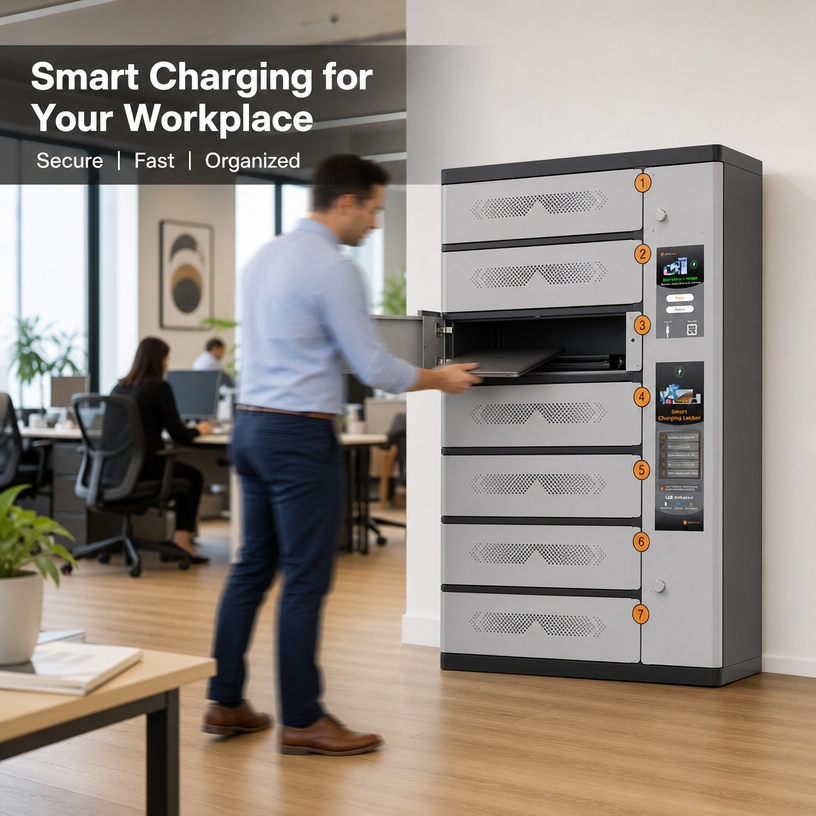
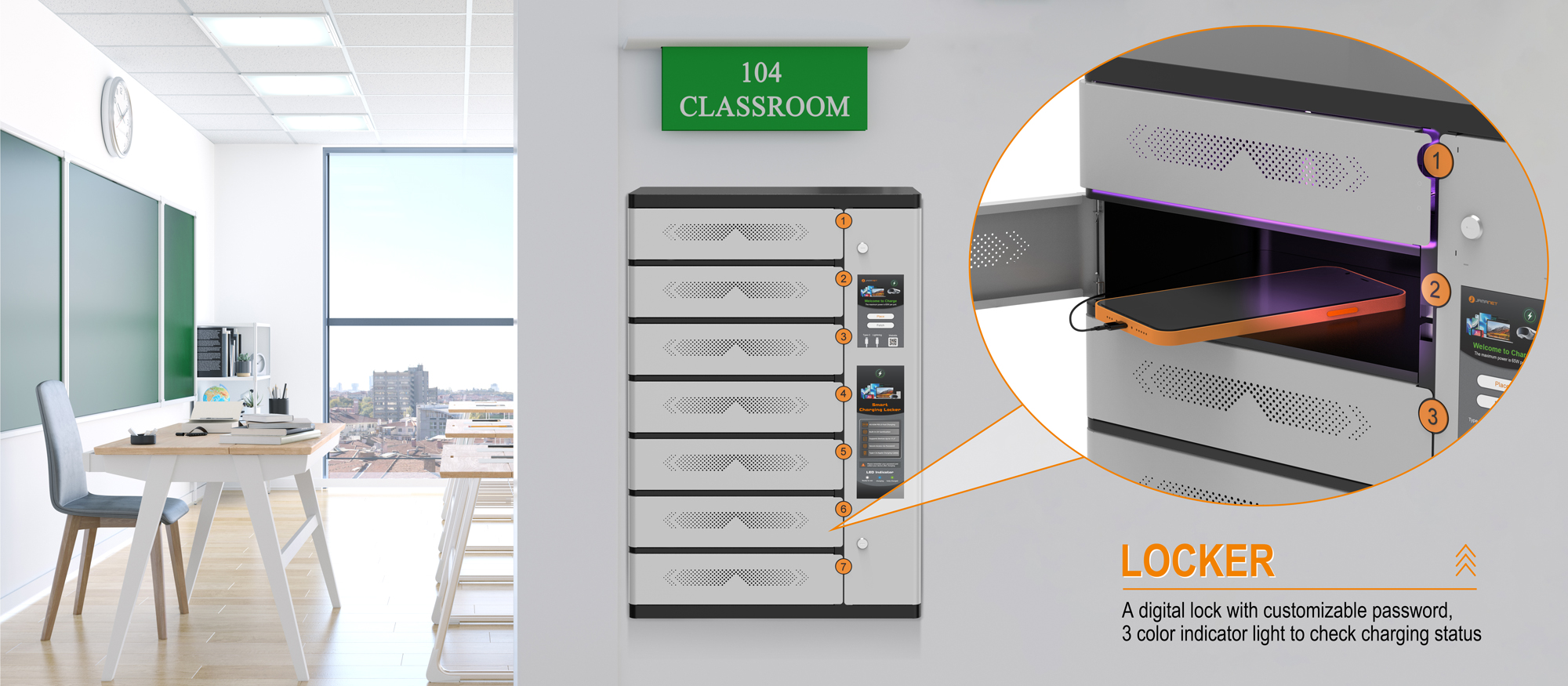
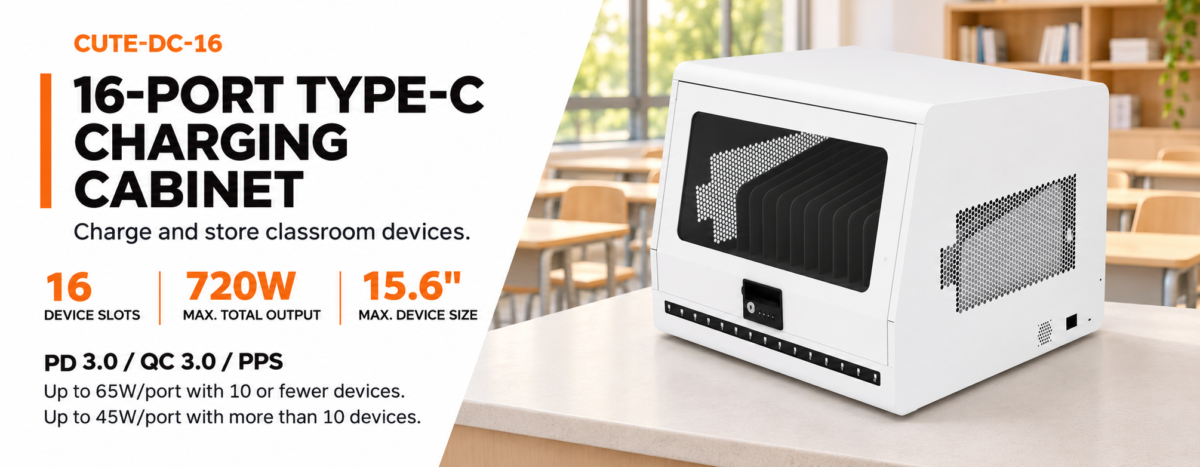
 Charging lockers provide a practical way to store, organize, and charge electronic devices in shared environments such as schools, offices, libraries, factories, healthcare facilities, and public spaces. When comparing charging locker designs, one of the first decisions is whether to choose an AC charging locker or a DC charging locker.
An AC charging locker typically provides alternating-current outlets inside its compartments, allowing users to connect their own power adapters. A DC charging locker generally converts incoming AC power into direct current within the cabinet and supplies power through USB-A, USB-C, or other supported DC outputs. Understanding this distinction helps buyers match the cabinet to their devices, usage patterns, installation requirements, and maintenance expectations.
1. What Is an AC Charging Locker?
An AC charging locker is a storage cabinet with alternating-current (AC) outlets installed in individual compartments or designated charging areas. Users plug a device’s compatible power adapter into the outlet and connect the adapter to a phone, tablet, laptop, or other electronic product.
How Does It Work?
The cabinet receives AC power from the building’s electrical supply and distributes it to internal outlets. The user’s power adapter performs the conversion required by the device. For example, a laptop adapter converts AC input into the DC voltage and current required by that laptop.
A typical process:
- The locker is connected to an appropriate AC power supply.
- The user places a device and its compatible adapter in a compartment.
- The adapter is plugged into the compartment’s AC outlet.
- The adapter converts AC power into the form required by the device.
- The device charges while stored in the locker.
Advantages of AC Charging Lockers
- Broad adapter-based compatibility: different devices can often be charged as long as their adapters and the locker outlet ratings are compatible.
- Flexibility for changing device fleets: replacing a laptop or other device may not require changing the cabinet’s internal charging interface.
- Suitable for dedicated adapters: many laptops and specialized electronics are supplied with their own AC adapters.
- Familiar operation: users generally know how to connect a standard power adapter to an AC outlet.
Limitations of AC Charging Lockers
- Users may need to bring or store their own adapters, increasing clutter and reducing convenience.
- Adapters vary in size, so compartments and cable routing must accommodate them.
- Electrical distribution, outlet ratings, grounding, protection, and total load capacity must be properly designed.
- Multiple adapters can make cable management and routine inspection more complicated.
2. What Is a DC Charging Locker?
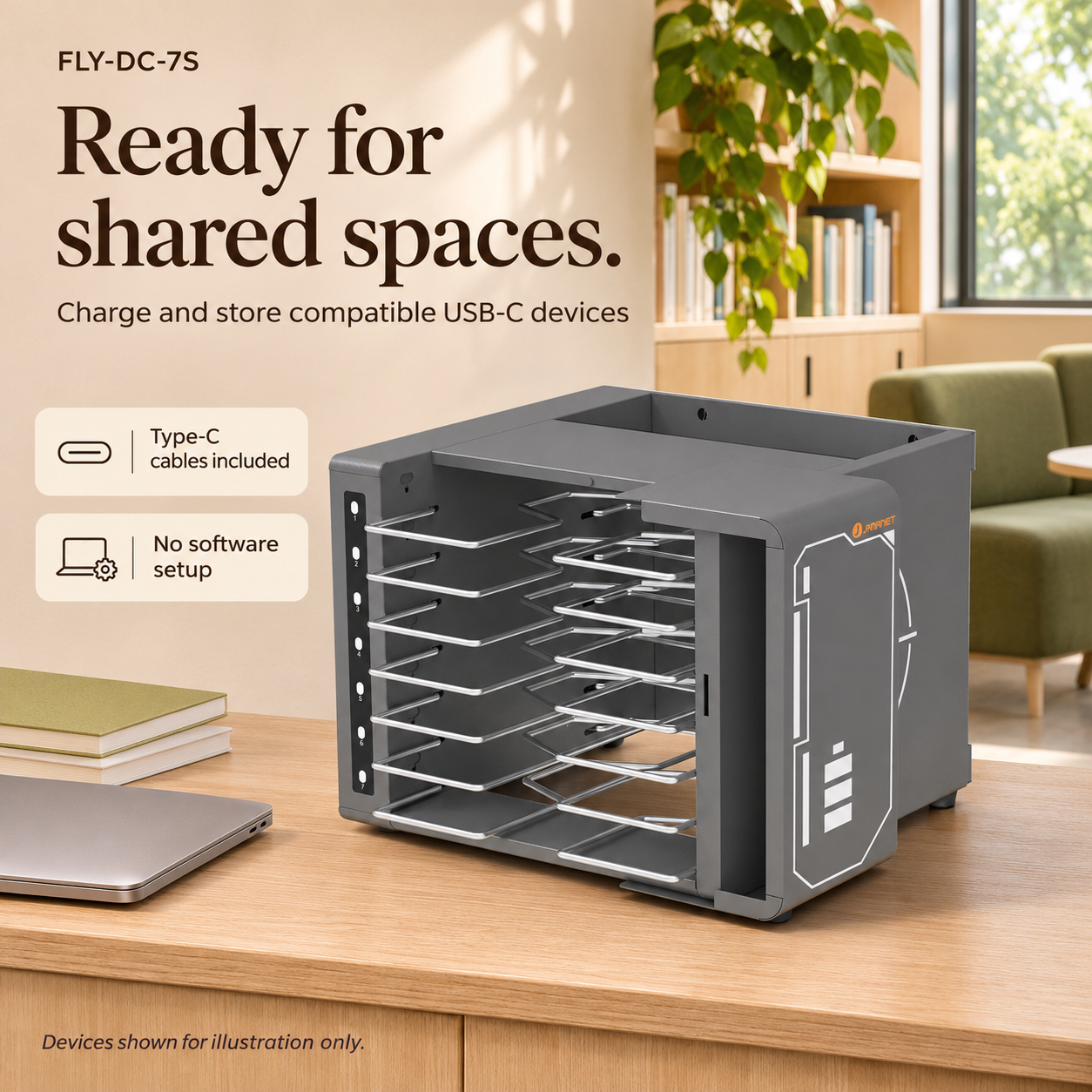
A DC charging locker supplies direct current (DC) to devices through built-in charging modules or power distribution systems. In many designs, AC power enters the cabinet and is converted into DC by an internal power supply. The converted power is then delivered through interfaces such as USB-A or USB-C.
How Does It Work?
A DC charging locker typically contains one or more AC-to-DC power supplies, charging modules, output ports, and protective components. Depending on the design, each compartment may have its own charging port, or several ports may share a centralized power system.
- The cabinet is connected to the specified AC input supply.
- The internal power supply converts AC electricity into DC power.
- The charging module distributes DC power to the output ports.
- The user connects a device using a compatible cable.
- The device receives power according to the port’s output capability and supported charging protocol.
Advantages of DC Charging Lockers
- Convenient built-in charging: users may not need a separate wall adapter when the locker provides a compatible port.
- Neater compartment layout: removing bulky adapters can make devices and cables easier to organize.
- Centralized power management: the internal power supply and charging modules can be designed as an integrated system.
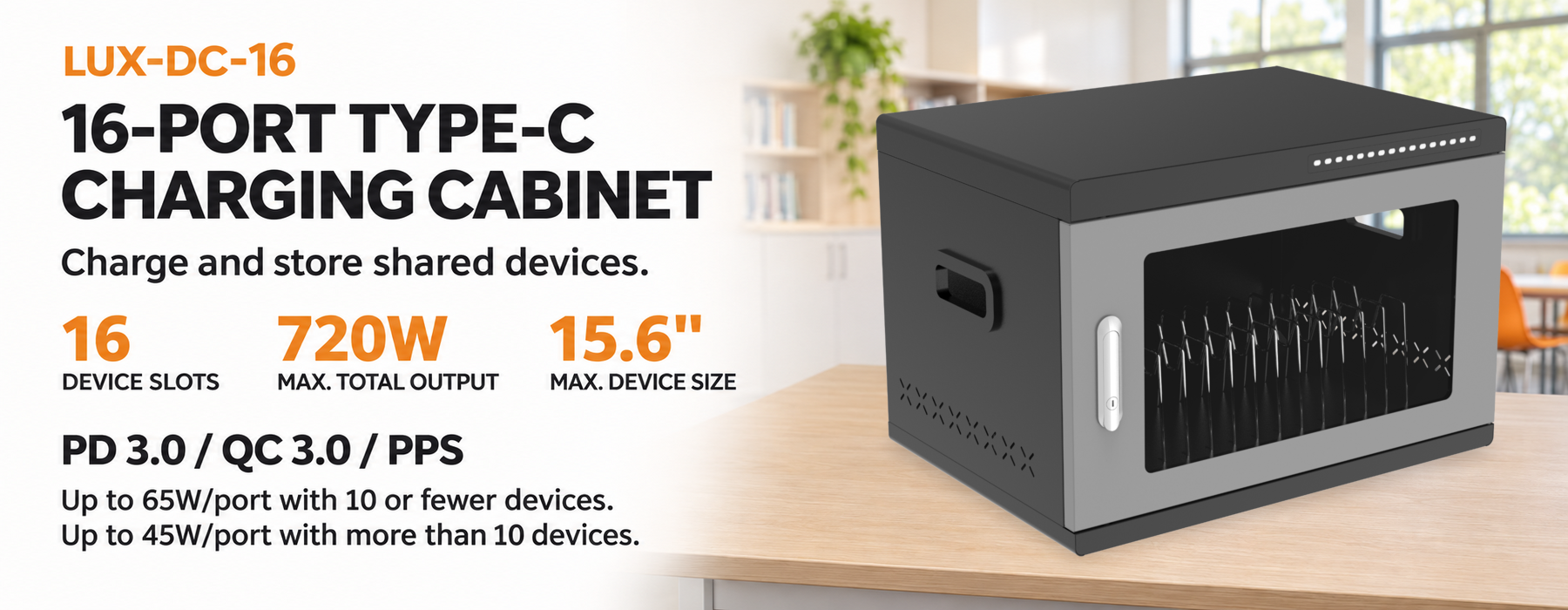
- USB-C support: when properly specified, USB-C Power Delivery can support compatible phones, tablets, and some laptops.
Limitations of DC Charging Lockers
- Compatibility depends on the interface, voltage/current profile, charging protocol, cable, and device requirements.
- Not every USB-C port supports USB Power Delivery or provides enough wattage for a laptop.
- Power may be shared across multiple ports, so output per device can vary with the number of connected devices.
- Changes in device interfaces or charging standards may require updated charging modules.
3. AC vs. DC Charging Lockers: Key Differences
The main difference is where AC-to-DC conversion takes place and how power is delivered. With an AC charging locker, the device’s own adapter usually performs the conversion. With a DC charging locker, conversion is generally handled inside the cabinet.
| Comparison | AC Charging Locker | DC Charging Locker |
| Power delivered | AC through an internal outlet | DC through USB or other DC output |
| Power conversion | Usually by user’s adapter | Usually by cabinet’s internal power supply |
| User equipment | Typically needs a compatible adapter | Typically needs a compatible cable |
| Compatibility | Outlet rating and device adapter | Port, protocol, voltage, current, and cable |
| Compartment space | Needs room for adapters and plugs | May be more compact without bulky adapters |
| Laptop charging | Suitable adapter and outlet rating required | Suitable USB-C PD and sufficient wattage required |
| Power distribution | AC distributed to individual outlets | DC output may be centralized or module-based |
| Maintenance | Outlets, wiring, grounding, adapters, load | Power supplies, modules, ports, cables, heat |
| Typical fit | Mixed devices and user-supplied adapters | Known device fleets and cable-based charging |
Important: AC and DC are power types, not performance rankings. A DC charging locker is not automatically faster. Charging speed depends on available wattage, device compatibility, charging protocol, cable quality, and how power is shared among connected devices.
4. Which Devices Can Be Charged?
Smartphones
Smartphones can generally be charged by either type. In an AC locker, users connect their own phone charger to the outlet. In a DC locker, they use a compatible cable and charging port. For DC models, check whether the ports support the charging standards required by the phones in use.
Tablets
Tablets can also be charged by either solution. USB-C DC charging can simplify deployment when the tablet fleet uses a consistent interface. For mixed tablet fleets, verify connector type and power requirements before choosing a DC configuration.
Laptops
Laptop charging requires closer attention to power. AC lockers can accommodate laptops using compatible AC adapters, provided the outlets and cabinet circuit are rated for the expected load. A DC locker can charge USB-C laptops only when its ports support the required USB Power Delivery profile and provide sufficient wattage. A USB-C connector alone does not guarantee laptop-charging capability.
Other Electronics
Cameras, handheld terminals, headphones, portable accessories, and other electronics may be supported depending on their charging requirements. For unusual or proprietary devices, an AC outlet with the original adapter may offer flexibility, while DC ports can be convenient when the interface and power profile are known.
5. Common Applications
Schools and educational institutions
Schools may need to charge student laptops, tablets, and shared devices. AC lockers can suit mixed equipment with different adapters, while DC lockers can simplify charging when the device fleet is standardized.
Offices and workplaces
Employees may need secure storage and charging for phones, tablets, laptops, and handheld equipment. The right configuration depends on device mix, user habits, and whether employees bring their own chargers.
Shopping centers and public facilities
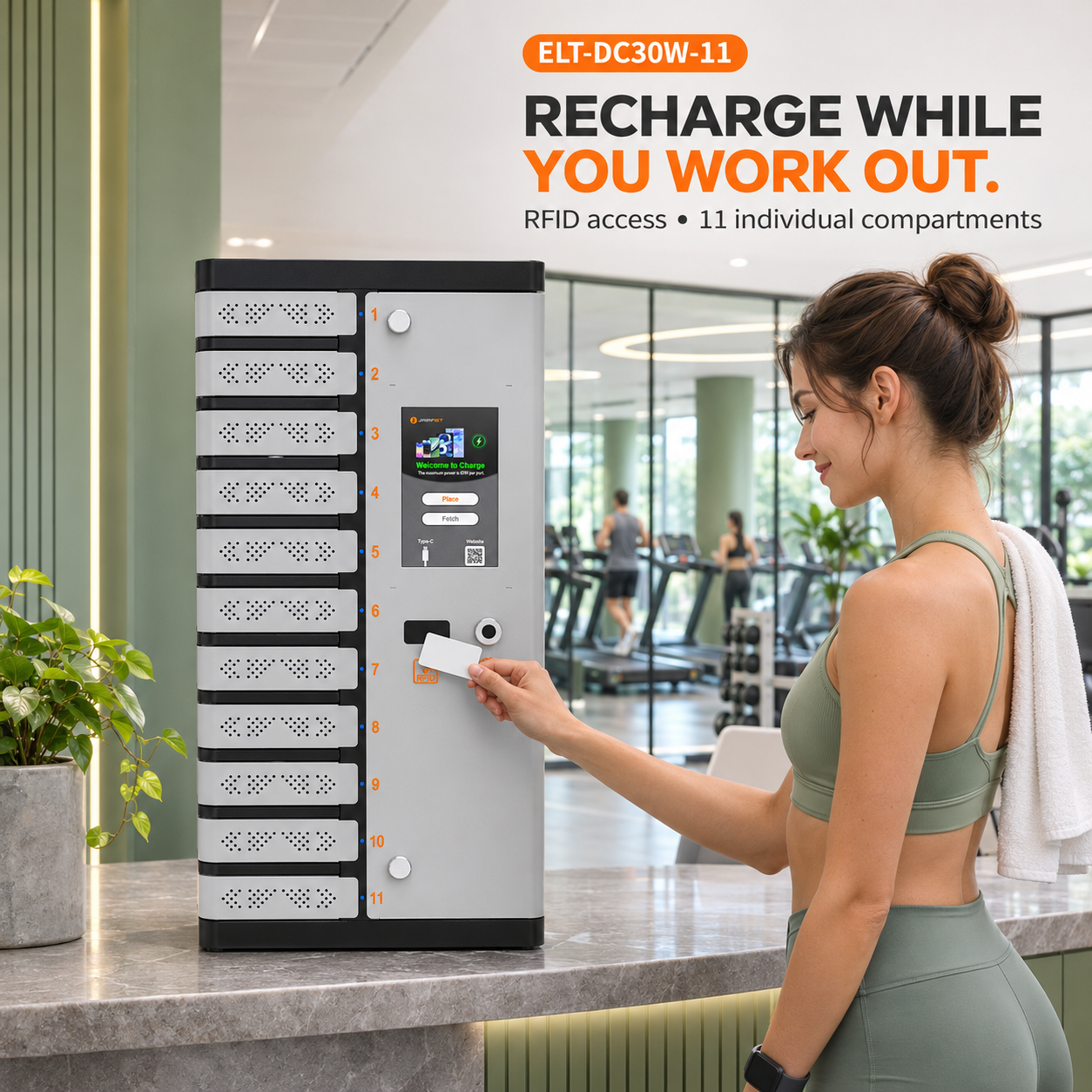
Public charging lockers often prioritize simple operation and compatibility with common mobile devices. DC USB charging can offer a straightforward experience, while AC outlets may support a wider range of user-supplied adapters.
Hotels, campuses, and shared accommodation
Charging lockers can provide secure charging areas for guests, students, and visitors. Buyers should consider ease of use, compartment dimensions, electrical safety, and supervision.
6. How to Choose the Right Charging Locker
1. Identify the devices
List device categories, models, quantities, charging connectors, and adapter requirements. A cabinet intended for smartphones has different power and space requirements from one designed for laptops.
2. Check charging power
For AC models, confirm input voltage, frequency, outlet ratings, rated current, and total cabinet capacity. For DC models, confirm each port’s output voltage/current, maximum wattage, supported protocols, and whether power is shared.
3. Consider user experience
Decide whether users are expected to bring their own adapters. Built-in DC charging may be preferable when convenience and tidy compartments are priorities. AC outlets may be more flexible for users with different adapters or specialized devices.
4. Review dimensions and cable management
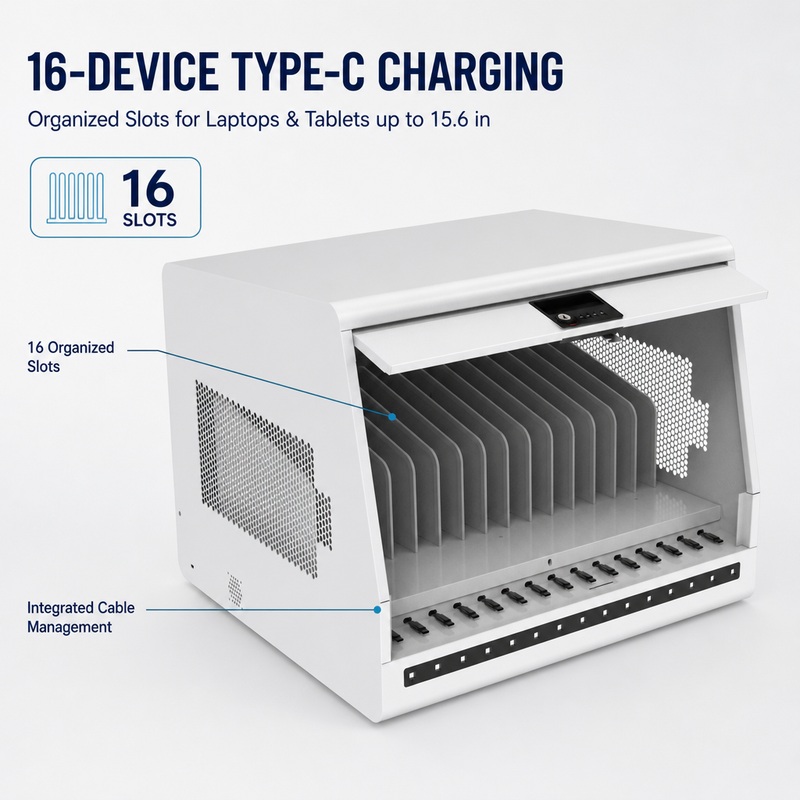
Check usable compartment size, door clearance, cable routing, ventilation, and room for adapters. Devices should be stored without excessive pressure on connectors or cables.
5. Evaluate safety and thermal design
Ask about overload and short-circuit protection, grounding where required, temperature management, ventilation, and compliance documentation for the target market.
6. Plan maintenance and future changes
Consider how easily outlets, cables, charging modules, and power supplies can be inspected or replaced. If the device fleet changes frequently, choose a configuration that can accommodate future requirements.
7. Work with an experienced manufacturer
A manufacturer should clarify the electrical configuration, provide product drawings and ratings, explain protection features, and discuss customization based on project needs.
7. Questions to Ask Before Ordering
- Does each compartment have an individual AC outlet, or are outlets shared?
- What input voltage and frequency does the cabinet support?
- For DC models, are the ports USB-A, USB-C, or a combination?
- Does the USB-C configuration support USB Power Delivery? Which output profiles are available?
- What is the maximum output per port and the total power capacity?
- Is output power shared when several devices are connected simultaneously?
- What overload, overcurrent, short-circuit, and temperature protections are included?
- Are charging cables supplied, and can they be replaced easily?
- What certifications and documentation are available for the destination market?
- Can compartment dimensions, lock type, port layout, or cabinet appearance be customized?
8. AC or DC: Which Should You Choose?
Choose an AC charging locker when users need to charge a wide variety of devices with their own adapters, when the fleet includes products with different charging interfaces, or when adapter-based charging is already part of the workflow. Confirm that outlet ratings and total electrical capacity suit the planned load.
Choose a DC charging locker when target devices use known charging interfaces, when built-in USB charging can simplify the user experience, or when a standardized fleet can benefit from integrated charging modules. For USB-C laptop charging, confirm USB PD support and adequate output power rather than relying on the connector type alone.
For mixed-device projects, do not choose based on the AC/DC label alone. A device list, power calculation, compartment assessment, and review of local electrical requirements will lead to a more reliable decision.
9. Jamanet Charging Locker Solutions
Jamanet provides charging and storage solutions for organizations that need to manage electronic devices in shared environments. When evaluating an AC or DC charging locker for a school, workplace, public facility, or other project, buyers should define device types, required charging interfaces, compartment dimensions, security needs, and expected charging capacity before selecting a configuration.
As a charging locker manufacturer, Jamanet can discuss project requirements and help identify a suitable product configuration. For an accurate proposal, provide device models or charging specifications, the number of compartments required, the intended installation environment, and preferred lock or customization options.
Contact Jamanet to discuss an AC or DC charging locker solution for your project.
Conclusion
The difference between AC and DC charging lockers lies mainly in how power is converted and delivered. AC charging lockers provide outlets for users’ own adapters and can be flexible for mixed-device environments. DC charging lockers provide integrated DC outputs, often through USB interfaces, and can offer a neater, more convenient setup when device requirements are standardized.
The right choice depends on device compatibility, charging power, user convenience, cabinet layout, safety, and long-term maintenance. By evaluating these factors before ordering, buyers can choose a charging locker that supports current devices and remains practical as requirements evolve.
Frequently Asked Questions
What is the main difference between AC and DC charging lockers?
An AC charging locker provides AC outlets, so an external adapter usually converts the power. A DC charging locker generally converts AC power inside the cabinet and supplies DC through USB or other DC output ports.
Is a DC charging locker faster than an AC charging locker?
Not necessarily. Charging speed depends on wattage, device requirements, adapter or charging module, protocol, cable, and power-sharing behavior. AC or DC alone does not determine speed.
Can a DC charging locker charge laptops?
Yes, if it has a suitable output such as USB-C Power Delivery and enough wattage. Verify supported PD profiles, maximum output per port, and total cabinet power.
Do AC charging lockers require users to bring their own chargers?
In a typical AC design, users connect their own compatible power adapters to the cabinet outlets. The exact arrangement depends on the product configuration.
Are USB-C charging lockers compatible with every USB-C device?
No. USB-C describes the connector, not a guaranteed power level or protocol. Compatibility depends on port capabilities, protocol, cable, and device requirements.
Which type is better for schools?
It depends on the school’s fleet. AC lockers can suit mixed devices and adapters. DC lockers can be convenient when the school manages a standardized fleet with known USB charging requirements.
Can AC or DC charging lockers be customized?
Many manufacturers offer project-based options such as compartment quantity, dimensions, lock type, port configuration, cable layout, and cabinet finish. Confirm available options with the manufacturer.