 iPad Sync Cart: How to Choose the Right Solution for Shared Devices
Managing a group of iPads is straightforward when there are only one or two devices. The task becomes more complicated when a school, training center, healthcare team, or business needs to store, charge, update, and redistribute many tablets on a regular schedule. Devices may be left with low batteries, cables can become tangled, and IT staff may spend valuable time connecting tablets one by one.
An iPad sync cart can help organize shared tablets in one place and, depending on its design and supported configuration, may support charging and data synchronization through a centralized setup. For buyers, however, the word “sync” should not be treated as a guarantee that every cart can perform every management task. Actual capabilities depend on the cart’s hardware, connection method, software environment, and compatibility with the iPad models in use.
This guide explains what to look for when choosing an iPad sync cart, how to assess charging and synchronization needs, and which questions to ask a supplier before purchasing. It is intended for education buyers, IT administrators, resellers, and organizations that manage shared iPads.
1. What Is an iPad Sync Cart?
An iPad sync cart is a storage and connection solution designed to hold multiple iPads while supporting charging and, where provided, data synchronization workflows. It is often considered by organizations that need to prepare a set of tablets for classroom activities, training sessions, field work, or shared business use.
Not all products described as iPad carts offer the same functions. Some are primarily charging carts; others may include data connections or be designed to work with a particular device-management process. Before choosing a product, clarify whether you need power delivery only, wired data synchronization, device storage, or a combination of these functions.
Charging and syncing are different tasks. Charging supplies power to a device. Syncing generally refers to transferring or coordinating data between devices and a computer or supported system. A cart that charges iPads does not automatically provide data synchronization, app deployment, backup, or mobile device management.
2. Start with Your iPad Management Workflow
Before comparing models, map out how your organization uses its tablets. In a school, iPads may be shared by different classes and need to be ready at the beginning of each lesson. In a training center, a set of tablets may be used for scheduled sessions. In a business, devices may be assigned to temporary staff or rotated between departments.
Ask practical questions: How many iPads need to be stored together? Who is responsible for connecting and returning them? Do devices need to be synchronized with a host computer, or is charging and secure storage enough? How often are apps, files, or settings updated? Are all devices the same model, or does the fleet include different generations and sizes?
Clear answers help prevent buying a cart with unnecessary features—or choosing a charging-only model when your process requires a verified data connection. Write down the desired workflow before requesting a quotation so suppliers can recommend a suitable configuration.
3. Choose Capacity and Compartment Size Carefully
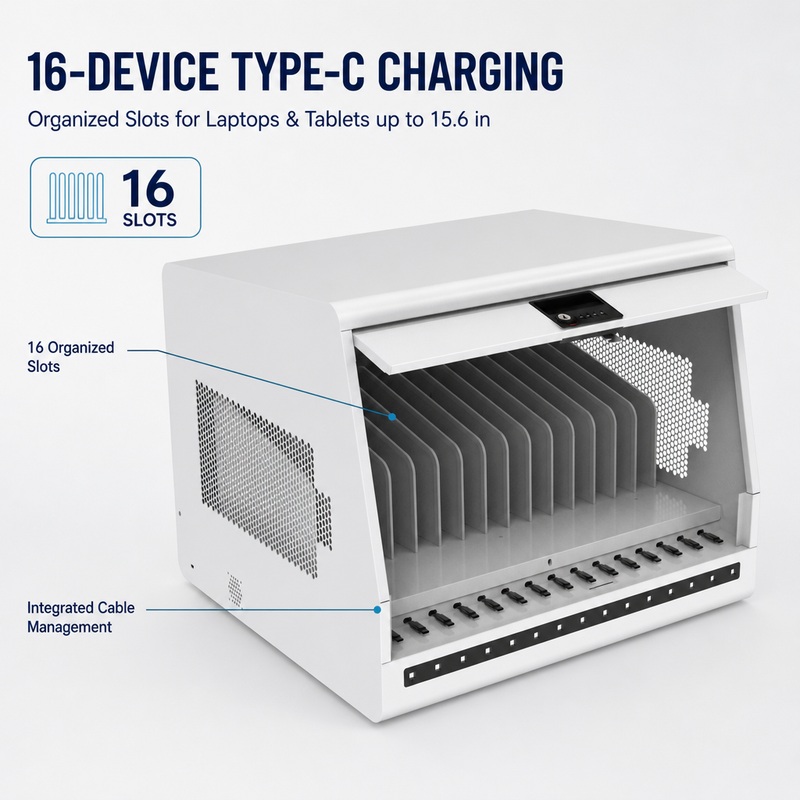
The right capacity is not simply the largest number of devices that can fit inside a cabinet. Each iPad needs enough room to be inserted and removed comfortably, with suitable space for any protective case and charging connector. Cases can change a tablet’s dimensions significantly, so measure devices as they are actually used.
Count the devices that will be stored and consider whether the fleet may grow. Check usable compartment dimensions, shelf arrangement, and how easily staff can identify each device. If the cart will serve several classrooms or teams, clear labeling can help tablets return to the correct location after use.
A well-organized iPad sync cart should support a repeatable routine: devices are returned, connected correctly, charged as needed, and prepared for the next session. Avoid choosing capacity based only on a headline slot count without checking the actual internal layout.
4. Confirm What “Sync” Means for the Specific Cart
Because the term “sync” can be used differently across products, it is one of the most important specifications to verify. Ask the supplier to explain exactly how data synchronization works in the proposed model. Does the cart provide a physical data connection to a host computer? Is synchronization supported through a particular hub or connection architecture? Which operating systems and device models are supported?
Ask how many iPads can be connected for data transfer at one time, whether a host computer or additional hardware is required, and whether the setup depends on particular software. Request a diagram or written description of the connection path if the workflow is important to your IT team.
Do not assume that a cart can install apps, update iPadOS, back up user data, or configure device settings automatically. These tasks may require Apple’s supported management tools, a mobile device management (MDM) platform, a computer, or other software and services. Confirm which tasks the cart itself supports and which must be handled separately.
5. Evaluate Charging Requirements and Power Arrangement
Charging is a core consideration even when synchronization is the main reason for buying the cart. Check the charging method supported by the iPads and the cart, and confirm whether the supplied or recommended cables and adapters are suitable for the intended device models.
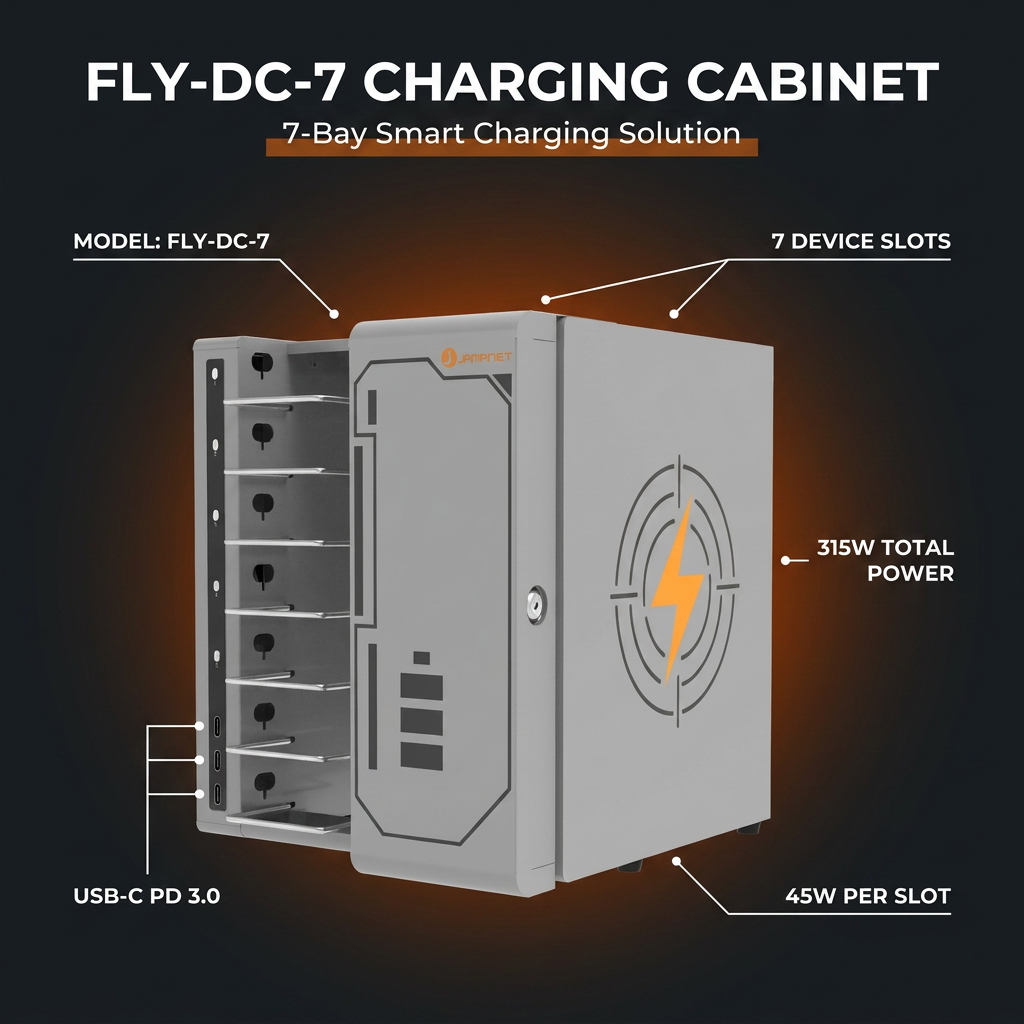
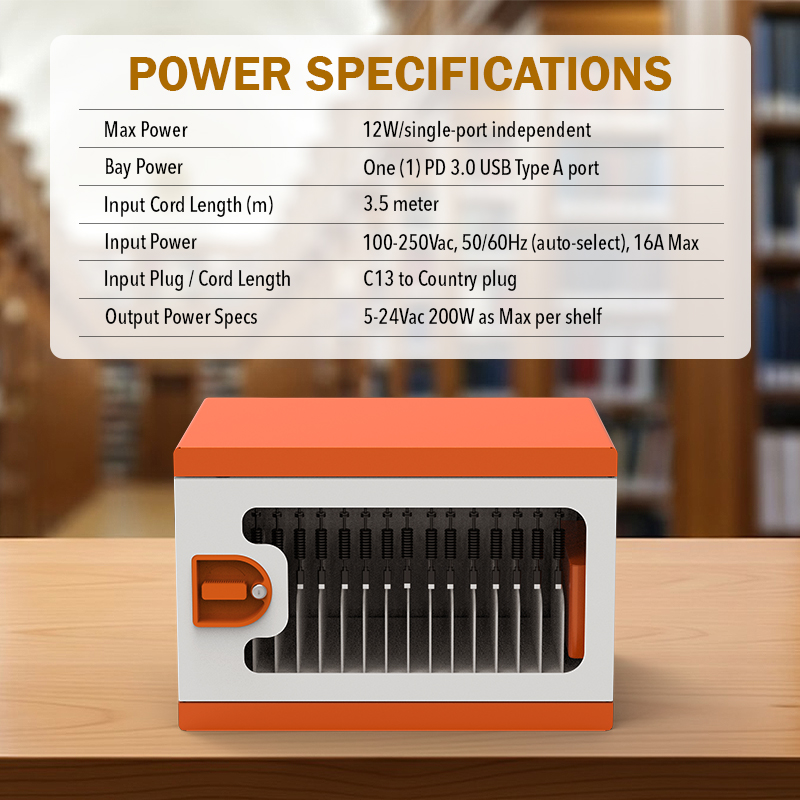
Ask how many devices can charge simultaneously in the specified configuration and what power requirements apply. If the fleet contains different iPad generations or accessories, verify compatibility instead of assuming every device will charge in the same way. Confirm whether power adapters are included or need to be purchased separately.
Charging performance can depend on the devices, cables, power source, and cart design. Avoid relying on broad claims such as “fast charging for all devices” without a defined specification. For an institutional purchase, request clear documentation and instructions for the exact configuration being quoted.
6. Look for Clear Cable Management
Multiple tablets mean multiple cables and connection points. If cables are difficult to identify or reach, staff may spend unnecessary time connecting devices and troubleshooting failed connections. A practical iPad sync cart should make the intended cable path easy to understand and help keep connectors accessible.
Check whether cables can be routed without being pinched by doors or shelves. Consider how staff will replace a damaged cable, distinguish charging cables from data cables, and confirm that each tablet is connected correctly. Where synchronization is required, the connection layout should be especially clear because a power connection alone may not establish a data link.
Simple operating procedures can make the equipment easier to manage. Label device positions, document the correct connection sequence, and include a regular check for loose or damaged cables. Ask the supplier to demonstrate the internal layout rather than judging cable management from exterior photographs.
7. Consider Security, Mobility, and Physical Design
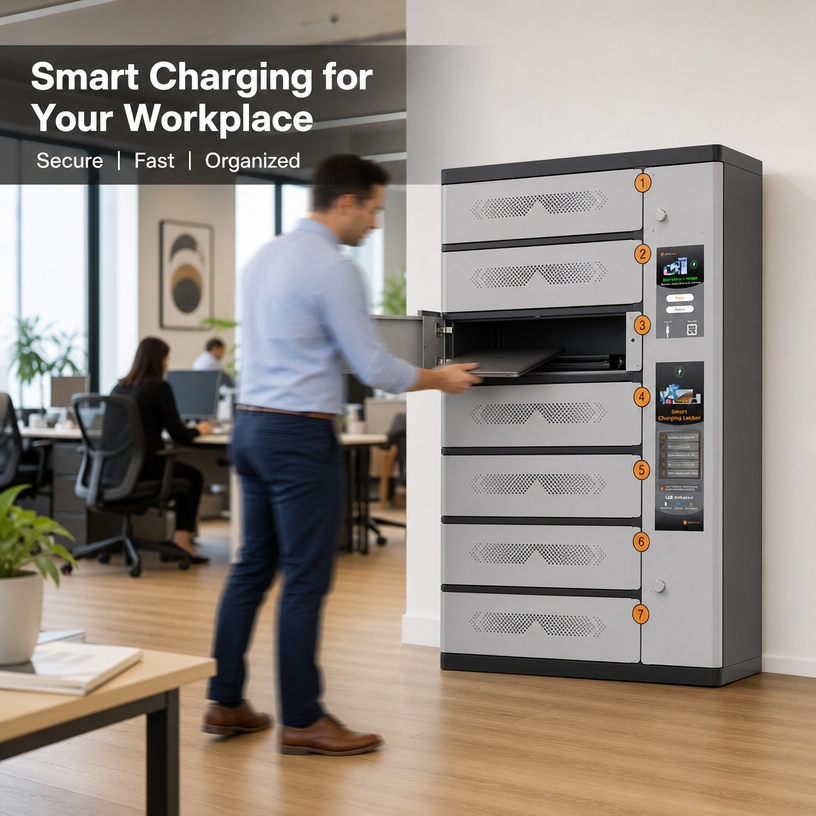
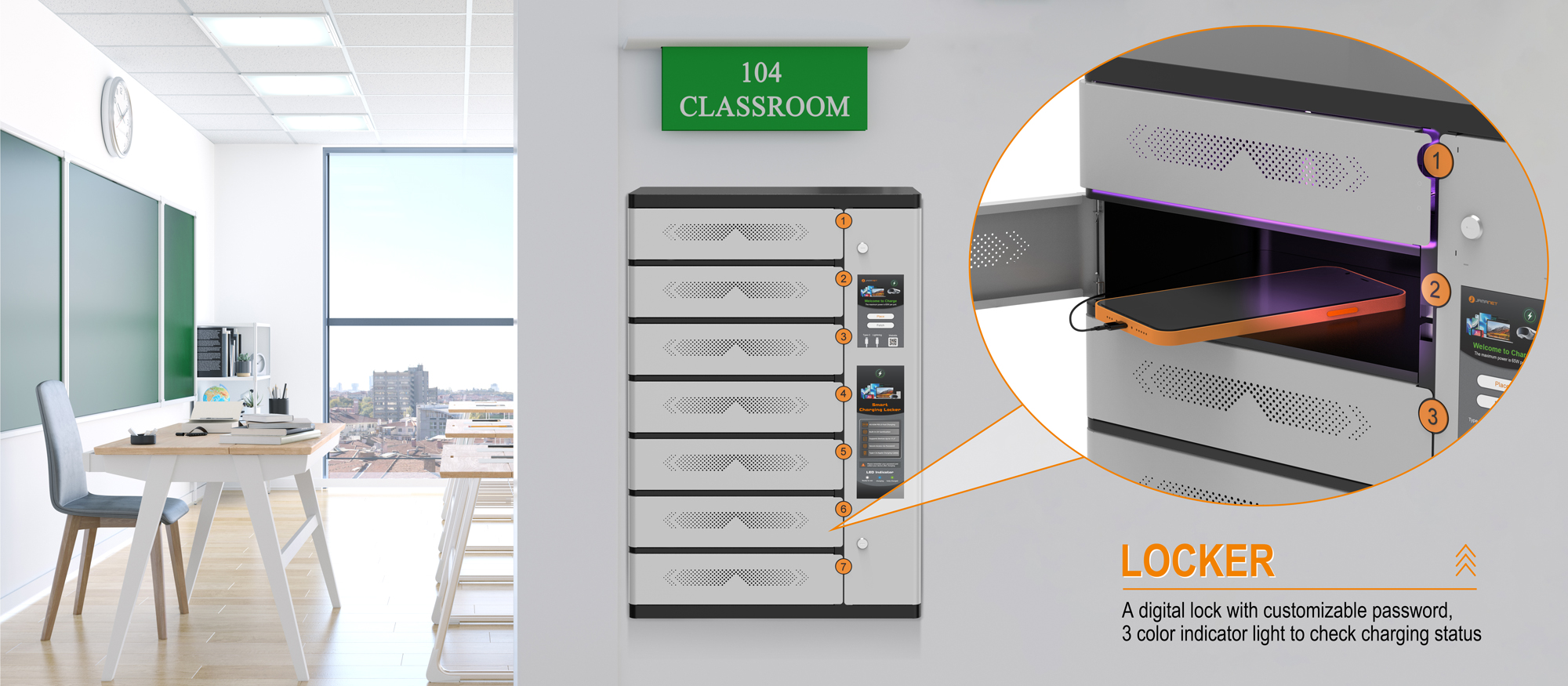
Shared iPads are portable and may contain business, student, or customer information. A designated storage location helps teams keep track of devices, but the appropriate level of physical security depends on where the cart will be used. Ask whether the selected model includes a lock and how keys or access credentials will be managed; do not assume that all carts have electronic access control.
If devices need to move between classrooms or departments, review the cart’s mobility features, handle design, overall dimensions, and wheel-locking arrangements where applicable. For a fixed IT room or small office, a compact stationary storage solution may be more suitable than a mobile cart.
Consider door widths, lift access, floor surfaces, storage location, and the space needed to open doors or access devices. The best solution is one that fits the route and daily routine, not just the device count.
8. Review Ventilation, Electrical Safety, and Maintenance
Charging equipment should be used according to the manufacturer’s instructions. Review ventilation requirements, permitted charging arrangements, electrical specifications, and any restrictions on use with doors closed. Do not assume every cart is designed for every charging configuration or continuous operation.
Ask the supplier for relevant safety documentation and installation or operating instructions for the exact model. Confirm that the equipment is appropriate for the destination country and local electrical requirements. Staff should know how to report damaged cables, unusual heat, or other signs that equipment needs inspection.
Maintenance also affects long-term value. Check how to access cables and connections, clean the interior, replace worn components, and request service. For overseas buyers, clarify warranty coverage, spare-part availability, support channels, packaging, and delivery lead times before placing an order.
9. iPad Sync Cart vs. iPad Charging Cart
An iPad sync cart and an iPad charging cart may look similar, but they may be designed for different workflows. A charging cart focuses on storing devices and supplying power. A sync cart may provide additional data connectivity, but the specific synchronization features must be confirmed for each model.
| Consideration | iPad Sync Cart | iPad Charging Cart |
| Primary role | Storage and charging, potentially with supported data connections | Storage and power delivery |
| Key question | What data-sync method and device/software support are provided? | Which devices and charging arrangements are supported? |
| IT requirements | May require a host computer, compatible connections, or software | May need only the specified power setup |
| Best choice when | A verified wired synchronization workflow is needed | The main requirement is organized storage and charging |
Before purchasing, confirm the actual capabilities of the specific model. Product names alone are not enough to establish whether data synchronization is supported.
10. Questions to Ask Before Buying an iPad Sync Cart
Use the following checklist when comparing suppliers and preparing a purchase request:
- Which iPad models and case sizes fit the compartments?
- Does the product support charging only, data synchronization, or both?
- What is the exact data connection method, and is a host computer or software required?
- How many devices can charge and/or synchronize simultaneously?
- Are cables, adapters, hubs, and other required accessories included?
- What are the cart’s external dimensions, weight, and mobility features?
- What lock or access-control features are included, if any?
- What ventilation, electrical-use, and maintenance instructions apply?
- What warranty, technical support, and replacement parts are available?
- What are the minimum order quantity, lead time, shipping options, and product documents?
11. How to Match the Cart to Your Organization
For schools, the priority may be getting a class set of iPads charged and ready for each lesson, with a straightforward return routine for students and teachers. IT teams may place more emphasis on data connectivity, supported device models, cable replacement, and how the cart fits into their device-management process.
Businesses and training providers should consider who will operate the cart, where devices will be stored, how often tablets are refreshed, and whether the fleet includes multiple models. Resellers and system integrators should also confirm product documentation, ordering requirements, warranty terms, and the supplier’s ability to support repeat projects.
These use cases share one principle: select the cart based on the real workflow. A clear requirements list makes it easier to compare products fairly and reduces the risk of paying for features that are not needed—or missing a function that is essential.
Choosing an iPad Storage and Charging Solution from Jamanet
Jamanet, part of Jema Technology Group, focuses on IT infrastructure equipment and smart charging products. For organizations sourcing iPad storage or charging equipment, the first step is to define the tablet models, quantity, available space, charging requirements, and whether wired data synchronization is genuinely required.
When contacting Jamanet about a potential project, share the iPad model information, protective-case dimensions, expected quantity, destination market, and intended workflow. If synchronization is a requirement, describe the host computer or software environment and ask for written confirmation that the proposed product supports the needed connection method. Verify all model-specific features and documentation before ordering.
Frequently Asked Questions
What is an iPad sync cart?
An iPad sync cart is a cart or storage system intended to hold multiple iPads and may support charging and data synchronization, depending on the model. Buyers should confirm the exact functions rather than assuming every product includes syncing.
Is an iPad sync cart the same as an iPad charging cart?
Not necessarily. A charging cart supplies power to devices. A sync cart may include data connections for a supported synchronization workflow. The exact difference depends on the product’s hardware and supported setup.
Can an iPad sync cart install apps or update iPadOS?
Do not assume so. App deployment, operating-system updates, backups, and device configuration may require supported Apple tools, a computer, or an MDM solution. Confirm which tasks are handled by the cart and which require separate systems.
How many iPads can one cart hold?
Capacity varies by model and by whether tablets are stored with protective cases. Check usable compartment dimensions and the manufacturer’s stated capacity for your specific device models.
What should schools check before buying?
Schools should review capacity, case fit, charging requirements, the exact syncing workflow, cable organization, physical security, mobility, safety instructions, and support arrangements.
What information should I send a supplier?
Provide iPad models, case dimensions, quantity, charging and synchronization requirements, intended location, destination country, and any specific access or mobility needs.
Conclusion: Choose the Workflow Before the Cart
The right iPad sync cart should solve a defined device-management problem. Start by deciding whether you need charging, data synchronization, organized storage, or a combination of these functions. Then verify device fit, simultaneous charging and syncing capability, connection requirements, cable management, security, safety guidance, and after-sales support.
If your organization is comparing iPad storage and charging solutions, contact Jamanet with your device models, quantity, and workflow requirements. A clear specification makes it easier to identify a suitable product and confirm its capabilities before purchase.