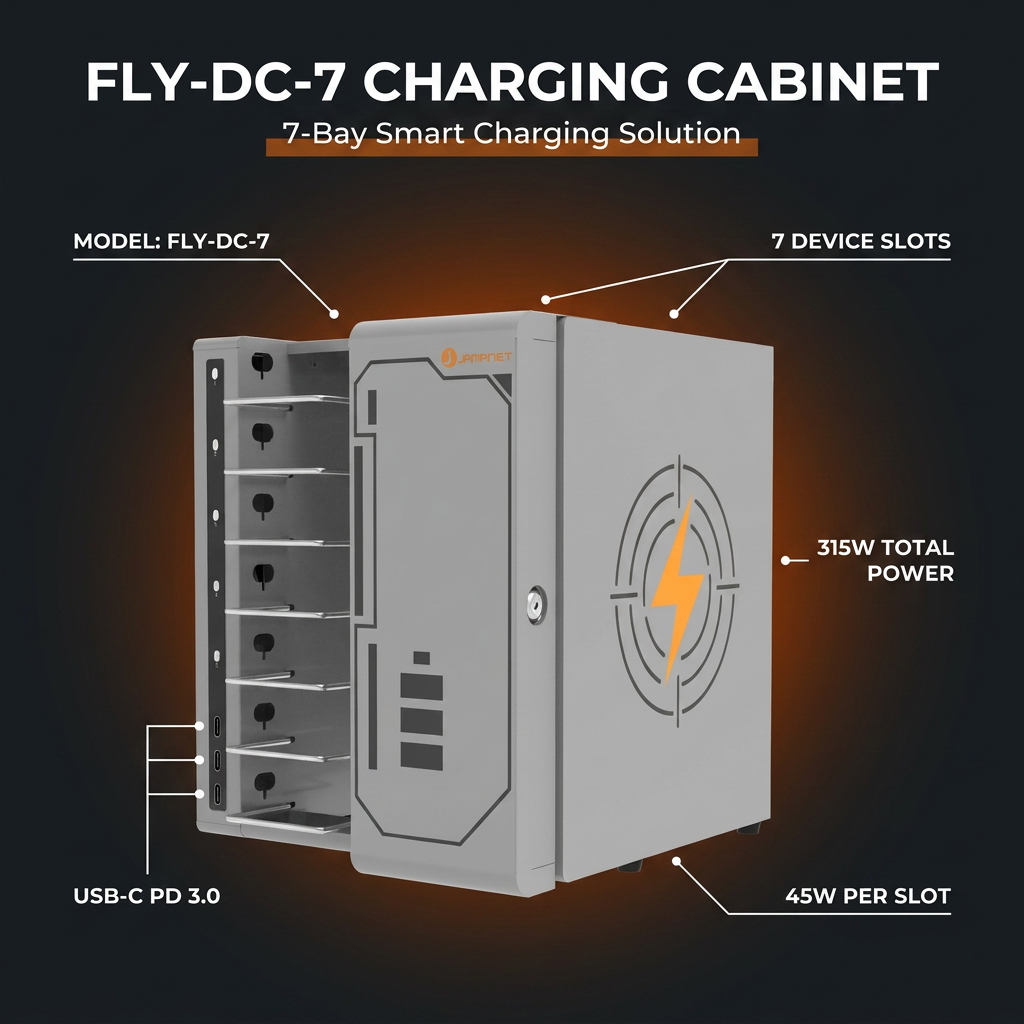
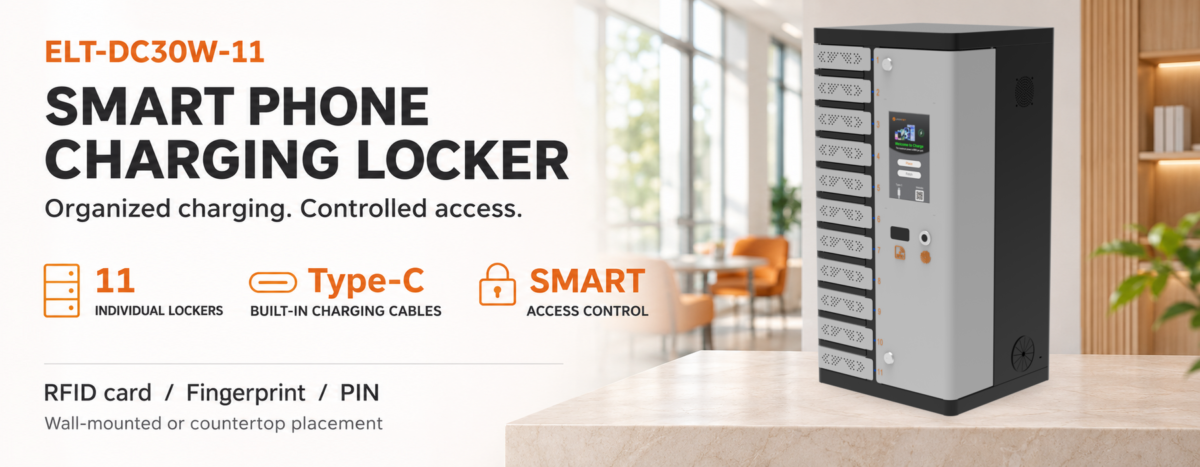
 Multi-port phone charging cabinets make it easier to charge and store several mobile devices in one organized location. They are used in public venues, commercial facilities, service areas and other shared environments where visitors or staff may need access to charging. However, placing many powered devices in one enclosure also means that electrical load, heat, cables and daily operating practices need to be considered together. Improving safety is not simply a matter of choosing a cabinet with more ports. Buyers should understand the cabinet’s rated capacity, protective devices, ventilation design, cable arrangement and installation requirements before putting it into service. This guide explains the main points to evaluate when selecting and operating a multi-port phone charging cabinet.
1. Check the Total Power Capacity Before Connecting Devices
The number of charging ports does not, by itself, tell you how much power a cabinet can safely supply. A 16-port unit and a 48-port unit may have very different input ratings, output limits and power-management designs. Before connecting phones, check the product nameplate and technical documentation for the rated input voltage, frequency, maximum input current, total output power and any per-port output limits.
Buyers should also consider the devices that will actually be charged. Different phone models and charging protocols can draw different amounts of power. The cabinet’s total rated capacity must be suitable for the expected combination of devices, rather than relying on the sum of advertised maximum port outputs. Where the manufacturer specifies shared power or automatic power allocation, understand how that arrangement works under a full load.
Do not exceed the cabinet’s rated capacity, and do not assume that every port can continuously deliver its maximum advertised output at the same time. If the intended deployment involves a large number of devices, ask the supplier to confirm the expected load and the appropriate electrical circuit with reference to the exact model.
2. Look for Appropriate Overcurrent and Short-Circuit Protection
Overcurrent and short-circuit protection help reduce the risk of damage when an electrical fault occurs. Depending on the cabinet design, protection may include a built-in circuit breaker, fuses, electronic current limiting or protection integrated into individual charging modules. These components do not make a product immune to every fault, but they are important parts of a properly engineered charging system.
When comparing products, ask what protection is provided at the cabinet input and whether charging outputs have additional protection. Clarify how the system responds if a cable is damaged, a connected device has a fault or the total load becomes excessive. Avoid making assumptions based only on a general phrase such as “safe charging”; request the model-specific specification or test documentation.
3. Pay Attention to Ventilation and Heat Management
Charging generates heat in power supplies, charging modules, cables and connected devices. When many phones are charging in a compact enclosure, heat can accumulate if airflow is restricted. A suitable cabinet design should provide a ventilation path that matches its power level and internal layout. Depending on the design and operating conditions, this may involve passive ventilation openings or an active cooling system.
Check that ventilation openings are not blocked by walls, stored objects, dust or other equipment. Follow the manufacturer’s specified installation clearances and ambient operating conditions. If a cabinet uses fans, confirm how they are accessed for inspection and cleaning, and follow the maintenance instructions. Do not add improvised fans or modify ventilation openings without the manufacturer’s approval.
4. Keep Charging Cables Organized and in Good Condition
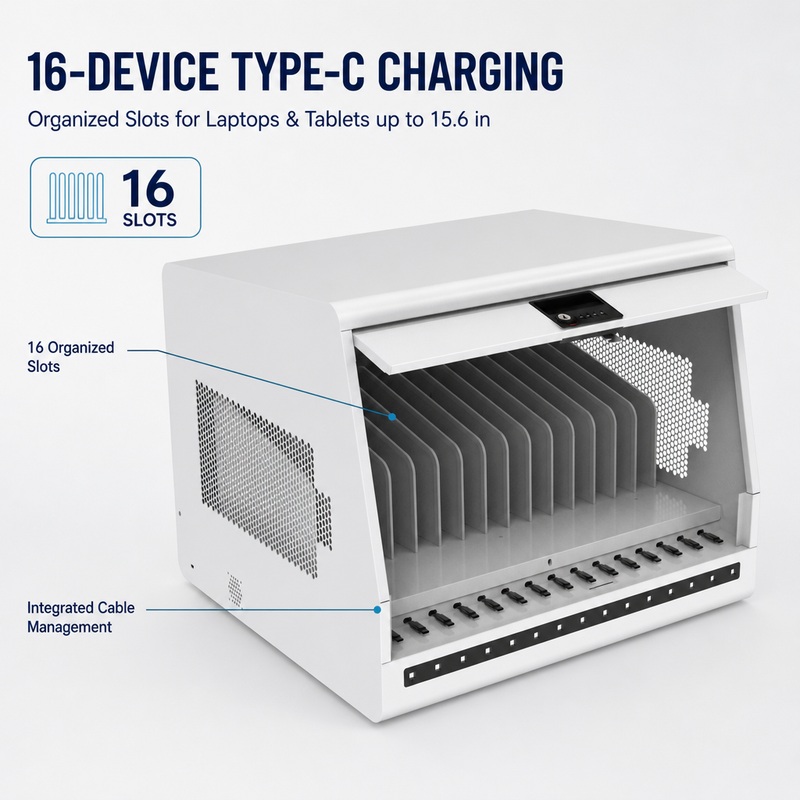
Loose or tangled cables can be pulled, pinched by doors, bent sharply or damaged during everyday use. A well-planned cable-management arrangement helps keep charging connections orderly and makes it easier to identify worn or damaged cables. For cabinets with individual compartments, check that cables can reach the intended device position without being stretched or trapped.
Use cables that are compatible with the cabinet’s charging outputs and the connected phones. Replace cables with exposed conductors, damaged connectors, loose plugs or signs of overheating. Avoid routing cables across ventilation openings or placing them where users may trip over or pull them. Do not substitute unapproved adapters or accessories that could change the electrical load.
5. Choose a Cabinet Structure and Access Design That Suit the Environment
The cabinet’s enclosure, doors, compartments and access points influence how safely it can be used in a public or commercial setting. A sturdy enclosure can help protect internal components from accidental contact, while a practical door and compartment layout can reduce cable pinching and awkward handling. If users access the cabinet themselves, instructions should be clear and the charging area should be easy to inspect.
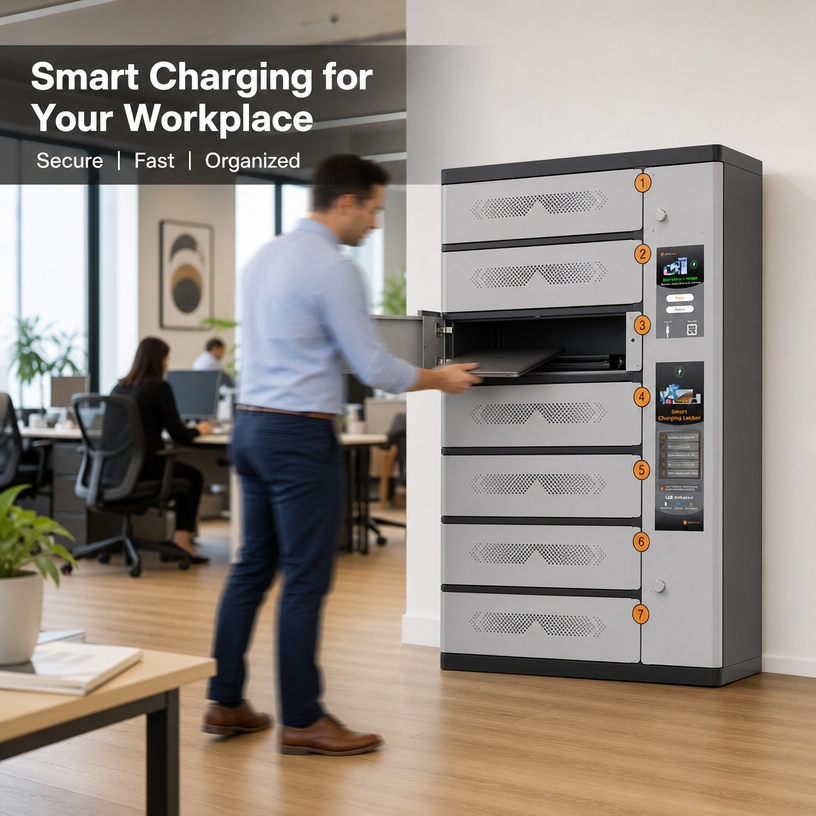
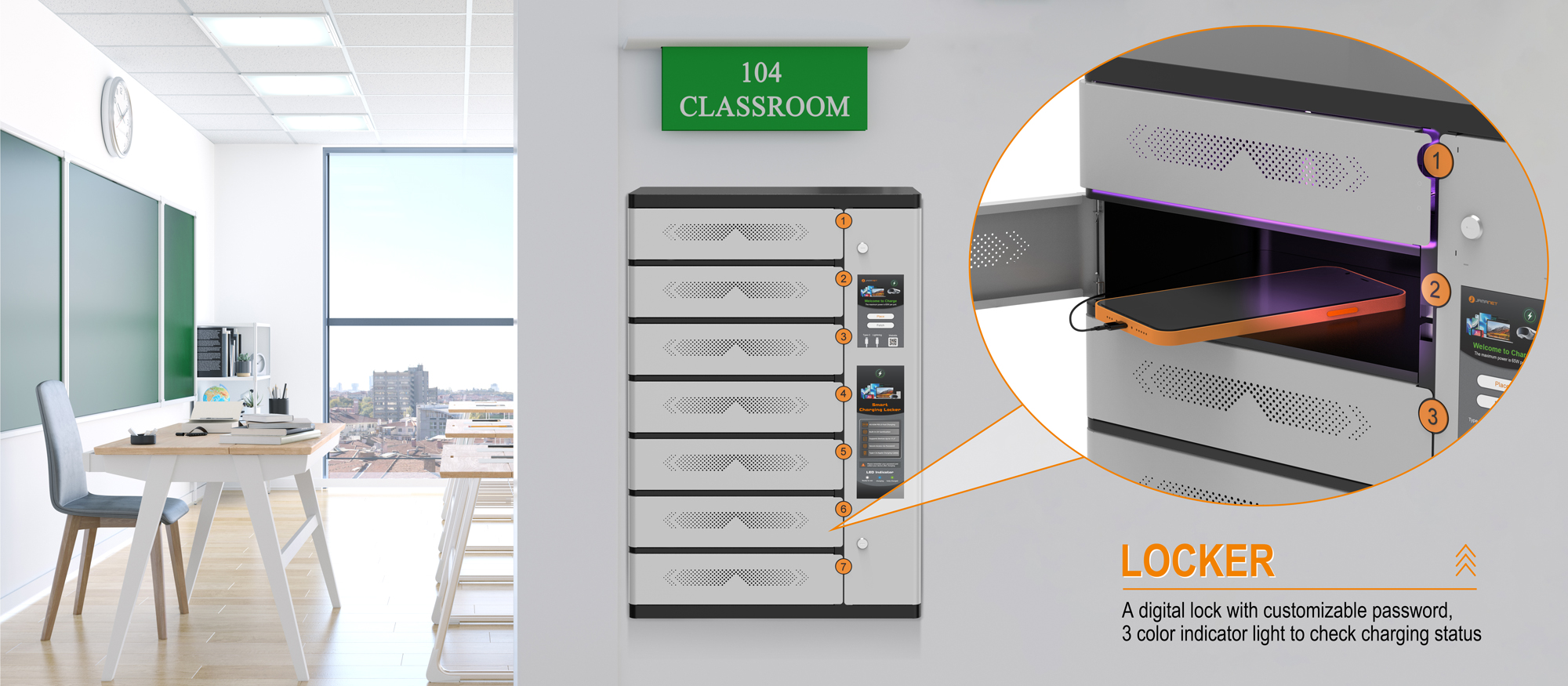
For a phone charging locker with individually secured compartments, buyers should also evaluate the lock design, emergency access procedure and how staff can respond when a user cannot retrieve a device. For an open multi-port charging cabinet, consider whether the ports and cables are protected from accidental pulling or unauthorized interference. The right access arrangement depends on the product type and operating model.
6. Install the Cabinet in a Suitable Location
Even a well-designed charging cabinet can become unsafe if it is installed or used incorrectly. Place the unit in a dry, well-ventilated indoor area unless the specific model is rated for another environment. Keep it away from water sources, excessive heat, flammable materials and locations where it may be struck or obstructed. Ensure that users and staff can reach the power disconnect when required.
Connect the cabinet to a properly installed power outlet that matches its input rating and local electrical requirements. Do not overload the branch circuit, use damaged extension cords or connect power strips in series. For larger installations or where the electrical load is uncertain, have a qualified electrician assess the circuit, protective devices, grounding and installation conditions. Always follow the product manual and applicable local electrical codes.
7. Establish Routine Inspection and Maintenance
Safety needs to be maintained after installation. Create a simple inspection routine covering the power cord, plug, enclosure, doors, ventilation openings, charging ports, cables and any visible indicators. Remove a unit from service and disconnect it if there is a burning smell, unusual noise, visible damage, repeated tripping or abnormal heat. Contact the supplier or an authorized service provider rather than opening or repairing electrical components without authorization.
Keep the cabinet clean and dry. Follow the manufacturer’s cleaning instructions, and never spray liquid directly into charging ports, electrical components or ventilation openings. Record recurring faults and cable replacements so that operators can identify patterns before they cause service interruptions.
8. Verify Product Documentation and Compliance for the Destination Market
Commercial buyers should review the documentation supplied for the exact model and destination market. Depending on where the cabinet will be sold and installed, relevant requirements may include electrical safety, electromagnetic compatibility, restricted substances, plug configuration, labeling and local installation rules. CE marking and RoHS documentation, where applicable, should be checked against the product and its supporting records; they should not be treated as a universal substitute for every local approval.
Ask suppliers for the applicable declarations, test reports, user manual, rated electrical information and warranty terms. Confirm that the documents match the model being quoted, including any optional charging modules, locks, screens or payment components. This is particularly important when a cabinet is customized for a project.
How Jamanet Charging Cabinets Fit into a Safer Charging Setup
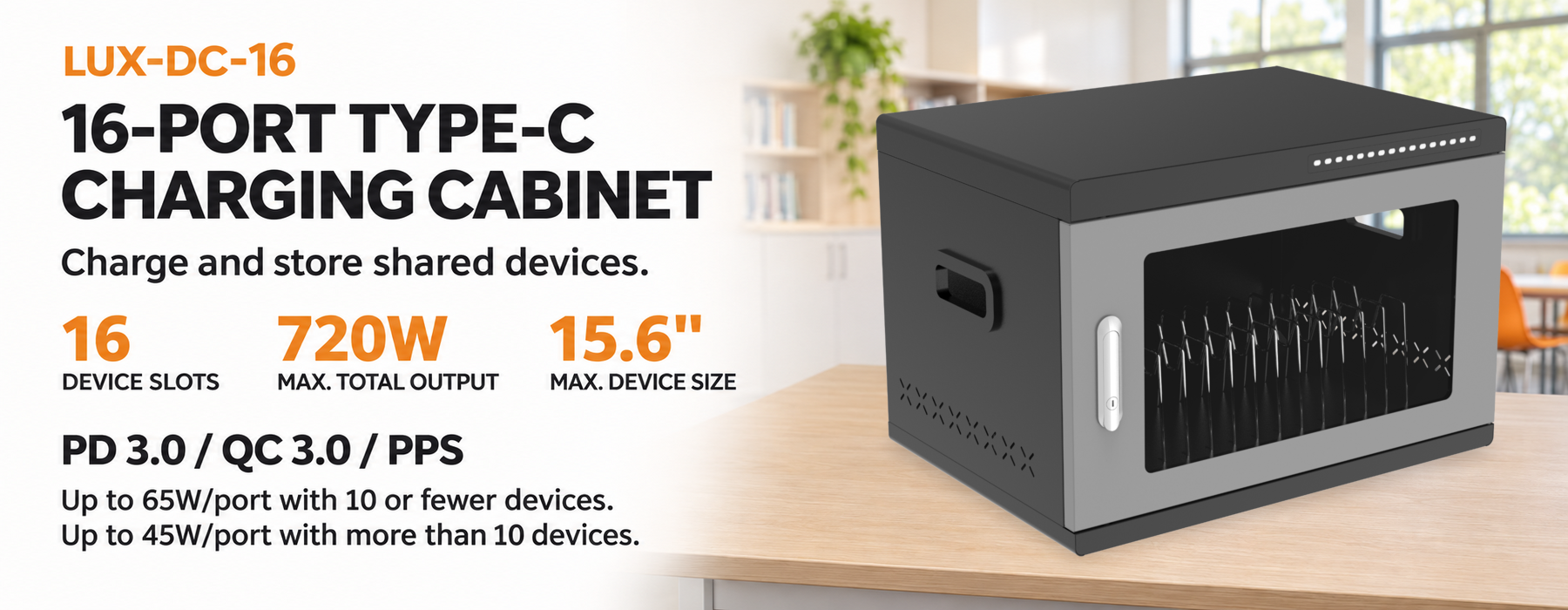
Jamanet offers multi-device charging solutions for phones and tablets, including USB-A charging cabinet models in different bay capacities. Published product information for the USB-A series describes independent charging ports, device storage and security functions, with models available in 16-, 32- and 48-bay configurations. The product category also includes other charging cart and locker solutions for different device-management requirements.
When evaluating a Jamanet model for a project, buyers should match the bay count and charging output to the devices they plan to use, then confirm the exact model’s input rating, protection features, enclosure design, cable arrangement and applicable documentation. Available features can vary by model and configuration, so the final quotation and datasheet should be used to verify the specification rather than assuming every feature is standard across the range.
For a public or commercial deployment, Jamanet can be considered as a supplier for multi-device charging and storage solutions. Project buyers, distributors and system integrators should share the intended device type, quantity, installation environment and destination market when requesting product recommendations.
Frequently Asked Questions
Are multi-port phone charging cabinets safe to use?
A properly designed, correctly rated and correctly installed cabinet can provide an organized way to charge multiple phones. Safety depends on the exact product design, protective features, electrical installation, ventilation, compatible accessories and user practices. Review the manual and model-specific documentation before use.
Does a higher number of charging ports mean a cabinet is less safe?
Not necessarily. Port count alone does not determine safety. The important factors include total rated input and output, power distribution, protective devices, thermal design and whether the cabinet is used within its specified limits.
Why is ventilation important in a phone charging cabinet?
Charging components and connected devices generate heat. Adequate airflow helps prevent heat from accumulating inside the enclosure. Ventilation openings should remain clear, and any built-in cooling system should be maintained according to the manufacturer’s instructions.
Can I use any USB cable with a multi-port charging cabinet?
Use cables that are compatible with the cabinet’s output and the connected device. Damaged, poor-quality or unsuitable cables can cause unreliable charging and may create electrical or thermal risks. Follow the supplier’s cable recommendations.
How often should a phone charging cabinet be inspected?
Inspection frequency depends on usage intensity and the operating environment. Public or high-use installations may need more frequent visual checks. At a minimum, establish a documented routine and inspect immediately if users report unusual heat, smell, noise, damage or charging faults.
What should buyers request from a charging cabinet supplier?
Request the model-specific datasheet, user manual, rated input and output information, details of protection and cooling features, applicable compliance documents, warranty terms and information about replacement cables or service support.
Conclusion
Improving safety in multi-port phone charging cabinets requires more than checking the number of ports or choosing a cabinet with a lock. Buyers should assess rated power, electrical protection, ventilation, cable management, enclosure design, installation conditions and ongoing maintenance as one complete system. By verifying the details of the exact model and matching it to the intended environment, distributors, project contractors and facility operators can make a more informed purchasing decision.
Looking for a multi-port phone charging cabinet for your project? Contact Jamanet to discuss device quantity, charging requirements, installation conditions and suitable product configurations.