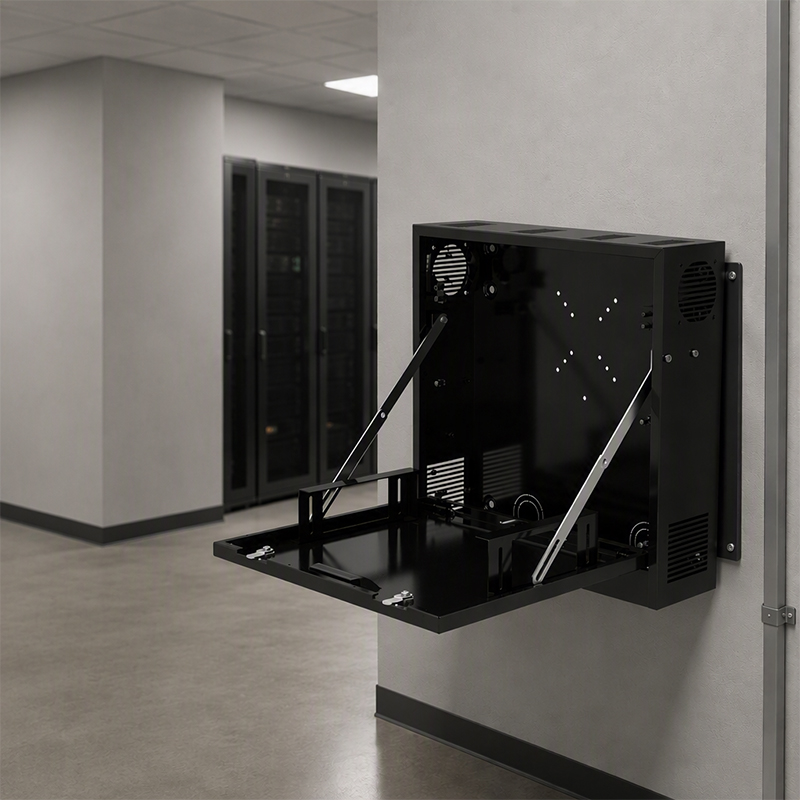
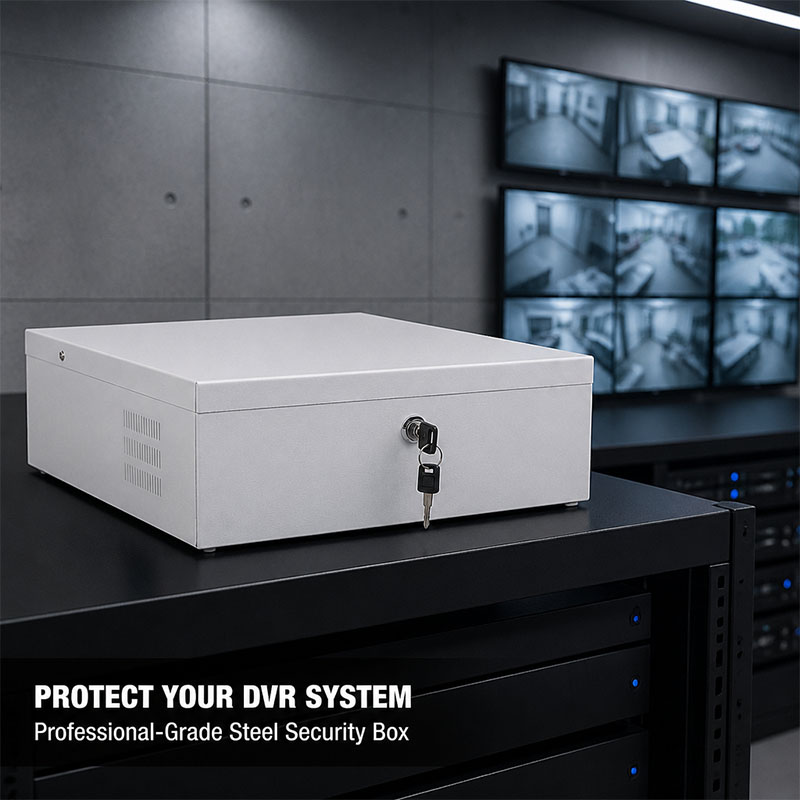
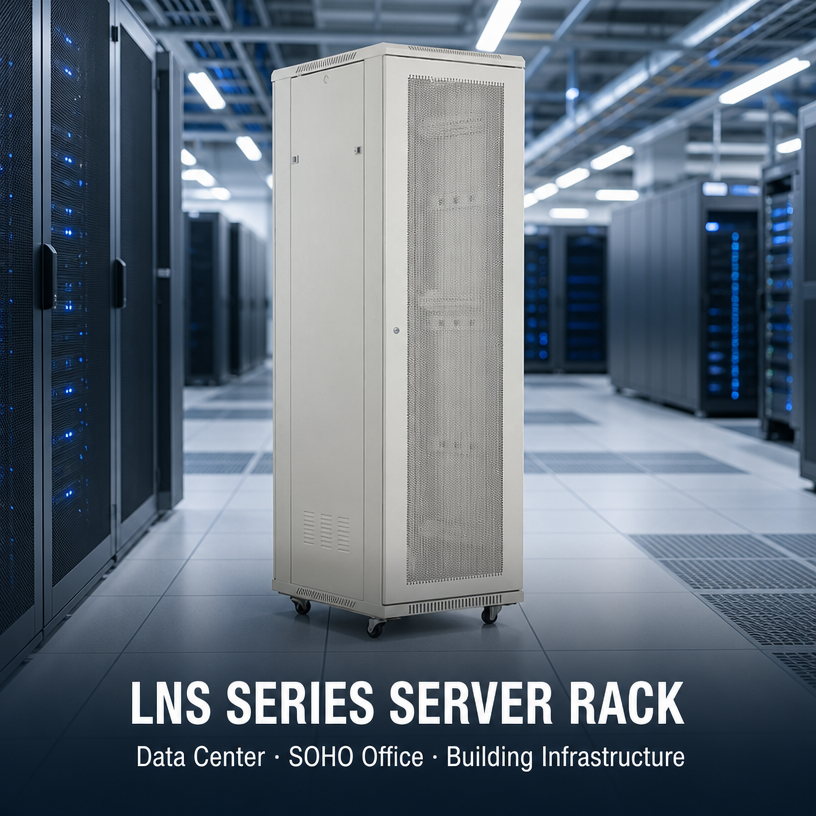
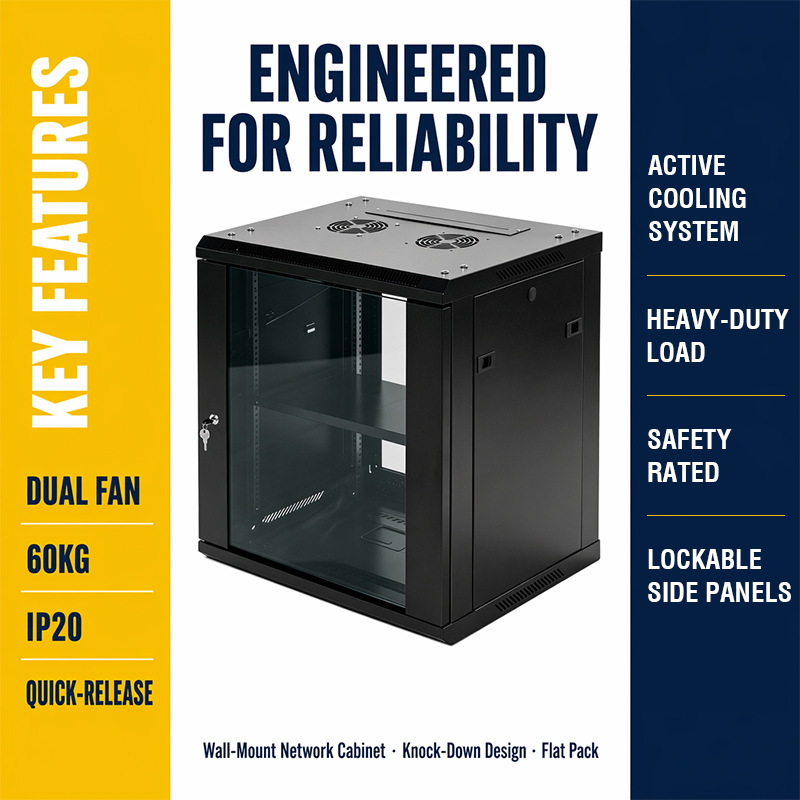
Walk into any small server room, MDF closet or AV rack room and you will find the same two options fighting for floor space: a fully enclosed cabinet with glass doors, and a bare four-post or two-post frame holding the same gear for a fraction of the cost. The second one is the open frame server rack, and for a lot of installations it is simply the better tool.
An open frame server rack has no side panels, no front door and no rear door. It is a rigid steel skeleton with 19-inch mounting rails, and that is the point. Nothing blocks airflow, nothing blocks your hands, and nothing gets in the way when you are tracing a patch cable at 11 p.m. with a flashlight in your mouth. The trade-off is obvious too: no locked door, no dust barrier, no acoustic damping. Once you accept that trade, the question stops being “cabinet or frame” and becomes “which frame, and built how”.
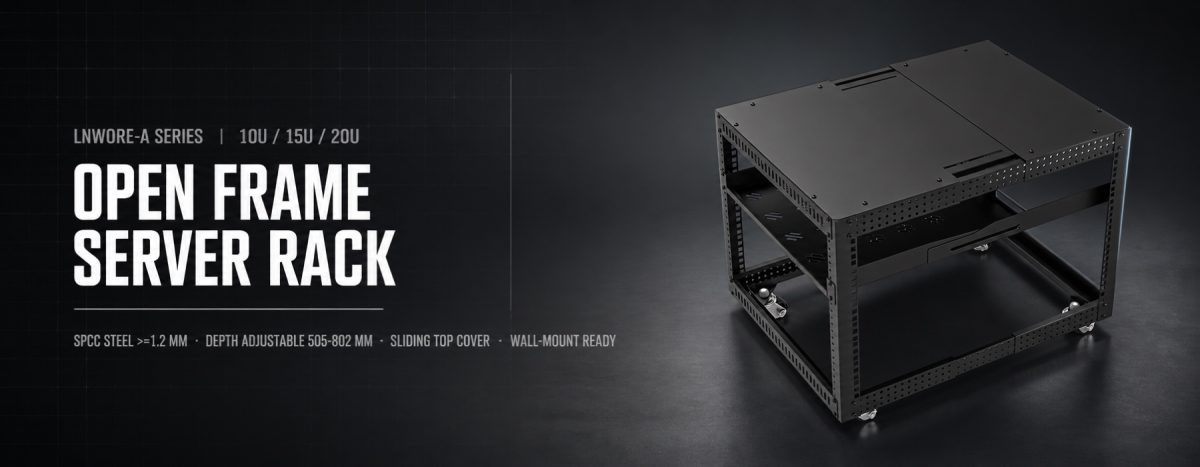
This guide walks through the specifications that actually change how an open frame server rack performs over five or ten years of service, using the LNWORE-A series (10U, 15U and 20U) as the working example. If you are comparing quotes right now, these are the lines on the datasheet worth arguing about.
 Why People Choose an Open Frame Rack in the First Place
Before the spec talk, it helps to be honest about who this product is for.
Network integrators pick an open frame server rack because patch panels and switches need constant access. Every enclosed cabinet door you open and close is time, and in a wiring closet with 200 terminations, that time adds up fast.
Small offices pick one because a 20U frame costs a fraction of a full 42U cabinet, takes up half the floor and still mounts everything they own: a firewall, two switches, a patch panel, a UPS and a small NVR.
Schools, hospitals and retail chains pick one because their gear lives in ventilated rooms that are already climate controlled. Adding sheet metal walls around a switch stack does nothing except trap heat and add cost.
Labs and testing benches pick one because equipment gets swapped weekly. An open frame server rack lets a technician reach all four sides of a device without moving the frame or removing panels.
What all these cases have in common is a controlled environment. If your gear sits on a dusty factory floor, near a loading dock, or anywhere the public can touch it, buy a sealed cabinet with a lock instead. Nobody should sell you an open frame for a space that needs a door.
1. Steel Thickness Is the Spec That Decides Everything Else
An enclosed cabinet gets a lot of its rigidity from the side panels and the door frame. An open frame server rack does not have that luxury. Every bit of stiffness comes from the vertical posts, the rails and the base beams, which is exactly why frame gauge matters more here than it does on a closed cabinet.
The LNWORE-A frame is built from high-quality cold-rolled steel (SPCC), with these thicknesses:
- Frame thickness: ≥ 1.2 mm
- Rail and base beam thickness: ≥ 1.2 mm
That number is worth checking on every quote you receive. Plenty of budget frames on the market drop to 0.8 mm or 1.0 mm on the rails to shave weight and cost, and it shows the moment you cantilever a deep switch off the front posts only. The rail flexes, the cage nut hole distorts slightly, and six months later the equipment ears no longer sit flush.
SPCC cold-rolled steel is the standard material choice for this class of product for a reason: it takes a clean powder coat, it holds thread and cage nut geometry without tearing, and it does not work-harden into brittleness during the forming process. When a supplier will not state material grade and thickness in writing, that is your answer.
One practical tip: ask whether the stated thickness is the raw coil spec or the finished part. Reputable factories quote the material before coating. A 1.2 mm frame is 1.2 mm of steel, not 1.05 mm of steel plus paint.
2. Sizing: 10U, 15U or 20U
Rack units are the language of this whole category. One U is 44.45 mm of vertical mounting height, and it is a fixed international standard, which is what makes a 19-inch open frame server rack universally compatible with switches, patch panels, rack shelves, UPS units and 1U servers from any manufacturer.
The LNWORE-A series comes in three heights:
| Model | Capacity | Depth (mm) | Dimensions W×D×H (mm) | Flat Packing Size L×W×H (mm) | Packing Weight (kg) |
| LNWORE-A-10U | 10U | 505 | 512 × 505 × 446 | 549 × 514 × 150 | 13.7 |
| LNWORE-A-15U | 15U | 505 | 512 × 505 × 668.25 | 639 × 540 × 150 | 16.2 |
| LNWORE-A-20U | 20U | 505 | 512 × 512 × 890.5 | 729 × 566 × 150 | 18.7 |
A few things to read out of that table.
The width stays at 512 mm across all three models, because the 19-inch mounting standard does not change. Whatever height you pick, the same equipment fits.
The heights are not round numbers, and that is correct rather than sloppy. 10U of usable mounting height plus the top and bottom structure lands at 446 mm; 15U lands at 668.25 mm; 20U at 890.5 mm. Anyone quoting you suspiciously round heights is either rounding in the catalogue or not actually delivering full usable U capacity.
Now the sizing rule most people get wrong: count your current gear, then add 30 to 40 percent. A 20U open frame server rack filled to 20U on day one is a rack you will replace within two years. Leave room for the switch you have not bought yet, the second UPS, and the 1U or 2U gap you will want above hot equipment.
A rough guide to how the three sizes get used:
- 10U— a single wiring closet, a branch office, an AV rack behind a display wall, or a bench-top build. Patch panel, switch, small UPS, done.
- 15U— the sweet spot for a small business network. Two switches, two patch panels, firewall, router, UPS and a shelf for the odd non-rack device, with headroom left.
- 20U— a proper small server room or a floor distribution point in a mid-size building. Enough for a switch stack, a short server, a rack PDU and the cable management to keep it tidy.
3. Adjustable Mounting Depth: The Spec Buyers Skip and Later Regret
This is the feature that separates a usable open frame server rack from an expensive coat rack, and it gets almost no attention in most product listings.
Equipment depth varies enormously. A patch panel is barely 50 mm deep. A 24-port switch might be 250 mm. A 1U rack server with redundant power supplies can run past 700 mm. If your mounting rails are welded at a fixed spacing, you are locked into whatever the factory decided.
The LNWORE-A uses adjustable side beams with a 15 mm adjustment hole pitch, and the depth can be extended to a maximum of 802 mm. The published side view confirms an extended side depth of 803 mm at full adjustment.
Two things make this useful in the field:
First, the 15 mm pitch is fine enough to actually land where you need it. Coarse 25 mm or 50 mm adjustment sounds similar on paper, but when a server’s rear mounting ears sit 12 mm past your nearest hole, you end up shimming or leaving the rear unsupported.
Second, going from a 505 mm standard depth out to 802 mm means one frame handles both shallow network gear and deep server hardware. You buy one SKU instead of two, and if the room changes purpose in three years, the open frame server rack changes with it.
When you compare products, check whether the depth adjustment applies to both front and rear rail pairs, and confirm the maximum depth is a real mounting depth rather than an overall external dimension. Those are two very different numbers and some datasheets blur them deliberately.
4. Airflow, and Why an Open Frame Still Uses Blanking Panels
There is a common assumption that an open frame server rack does not need any thermal planning because air moves freely through it. That is half right.
Free convection around the frame is genuinely better than a sealed box with no fans. But heat management inside a rack is not only about the room, it is about where air goes once it leaves a device. Hot exhaust that recirculates back into the intake of the unit above it is the classic failure mode, and it happens on open frames too.
The LNWORE-A ships with a 1U ventilation blanking panel at the top and another at the bottom. Those panels do two jobs at once. They close off the dead space above and below the equipment stack so airflow is directed through the gear rather than around it, and they stiffen the frame at both ends, which matters on a rack with no side panels.
Practical airflow habits that pay off in any open frame server rack:
- Mount the heaviest and hottest equipment low. Heat rises, so the coolest intake air is at the bottom of the frame.
- Do not stack high-output switches directly on top of each other without a gap. A 1U space between them costs you nothing and drops intake temperatures noticeably.
- Keep cable bundles out of the exhaust path. A thick bundle of patch cords across the rear of a switch is a wall, and it behaves like one.
- Keep the rack away from the corner of a small room where air stagnates. Even 200 mm of clearance behind the frame changes the convection pattern.
None of this requires fans or a controller. It requires thinking about the direction air is already moving.
5. The Sliding Top Cover and the Mid Shelf
Two features on this frame get used far more than the datasheet suggests.
The top of the open frame server rack has a sliding cover. Slide it closed and you get a working surface plus protection from dust falling from a ceiling tile or a light fixture. Slide it open and you have a clean cable entry path from an overhead tray or a wall run, without needing to drill or cut anything. Fixed top panels with pre-punched knockouts always end up in the wrong place; a sliding cover just moves.
There is also a 350 mm deep sliding shelf installed in the middle of the frame. This solves the problem every network closet eventually has: the device that is not rack-mountable. A media converter, a small NVR, a modem from the carrier, a wireless controller, a spare power brick. Without a shelf they end up balanced on top of a switch or sitting on the floor with a cable stretched up to the rack. The sliding action means you can pull the device forward to reach its rear ports instead of working blind at arm’s length.
Small features, but they are the difference between a rack that stays tidy and one that degrades into a nest within a year.
6. Wall Mount It, Roll It, or Leave It Standing
Flexibility in how the frame is installed is one of the underrated strengths of this design.
Floor standing is the default. The frame sits flat, the load path goes straight down through the base beams, and nothing else is required.
Wall mounting is supported through four expansion screw fixing points on the back of the frame, and four sets of expansion screws are included in the accessory kit. This matters in narrow corridors, retail back rooms and utility closets where floor space is measured in centimetres. Before you mount, confirm the wall itself is up to the job. Solid concrete or brick with proper anchors, yes. Hollow plasterboard with the total mass of a loaded rack hanging off it, absolutely not, regardless of what the anchor packaging claims.
Mobility is optional. The frame supports installation of four 2-inch universal casters, adding roughly 70 mm of height according to the front view drawing. Casters make sense for lab benches, demo setups, AV production carts and any deployment where the rack moves between rooms. If the rack is permanent, skip them: fewer moving parts, lower centre of gravity, better stability.
The same physical open frame server rack covering all three installation modes is genuinely useful for integrators who cannot predict the site conditions until the day of installation.
7. Modular Assembly and Flat Pack Shipping
The LNWORE-A uses a modular assembly structure and ships knocked down and flat packed. The packing footprint is only 125 mm high in the standard product carton, and the per-model shipping cartons run 549 × 514 × 150 mm for the 10U, 639 × 540 × 150 mm for the 15U and 729 × 566 × 150 mm for the 20U, at 13.7 kg, 16.2 kg and 18.7 kg respectively.
Buyers sometimes treat flat packing as a downside because it means assembly work on site. In practice it is the opposite for anyone shipping internationally or moving stock through a building.
Freight cost on a fully welded rack is mostly air. A knocked-down open frame server rack stacks on a pallet, which means dramatically more units per container and a lower landed cost per rack. For distributors and integrators buying in volume, that difference is not marginal.
Assembled racks also do not fit through standard doorways, into passenger lifts or up stairwells easily. A flat carton at 150 mm tall and under 19 kg goes anywhere one person can walk.
Damage rates drop too. A welded frame with a bent corner is scrap. A flat-packed frame ships with the load spread across the flat face of the carton, which is the strongest way to stack it.
The accessory kit includes 20 sets of equipment mounting screws and 4 sets of expansion screws, so a standard install does not stall waiting on hardware. If you are filling a 20U frame completely, order extra mounting screw sets up front — that is a five-minute conversation at quoting time and a two-week delay if you skip it.
How to Choose Without Guessing
Here is a checklist that works for almost every project.
Measure the deepest device you own, then add 100 mm. That is your minimum required mounting depth, and it is why adjustable depth matters. Cables need bend radius behind the equipment; a rear port with a stiff cable plugged in occupies more depth than the chassis does.
Add up your U count and multiply by 1.4. Round up to the next available size. If your list comes to 13U, buy the 20U rather than squeezing into the 15U.
Check the floor and the door before you order. Confirm your installation path handles the assembled dimensions, not the carton. A 20U frame at 890.5 mm tall clears almost anything, but a loaded rack on casters through a doorway with a threshold strip is a different story.
Decide on casters at order time, not later. Retrofitting is possible but it means unloading the rack.
Confirm steel gauge and material grade in writing. ≥ 1.2 mm SPCC on both frame and rails. Get it on the proforma invoice.
Ask for the dimensional drawings. Front view, side view, top view and the extended depth view. A supplier who has real drawings has a real product; one who only has renders often does not.
Installation Notes Worth Following
Assemble the frame on a flat surface before moving it into position. A frame squared up on an uneven floor stays out of square.
Tighten every fastener finger-tight first, square the whole frame, then torque everything down. This single habit prevents the rail misalignment that makes cage nuts fight you later.
Load from the bottom up, and load the heaviest item first. An unloaded open frame server rack is light enough to tip if you hang a heavy UPS at the top and nothing below.
Fit the mid shelf before the rack is full. Getting it in afterwards means removing equipment.
If you are wall mounting, drill into solid substrate and let the anchors cure per the manufacturer’s instructions before loading anything. Then load from the bottom and keep the mass low.
Leave the top and bottom ventilation blanking panels in place. They are structural as well as thermal, and pulling them to gain 2U is a bad trade.
Label both ends of every cable during installation, not afterwards. The open sides of the frame make this easy while the rack is empty and nearly impossible once it is full.
Where This Rack Fits
The LNWORE-A open frame server rack is designed for controlled indoor environments where access matters more than enclosure: network wiring closets, small and mid-size office server rooms, school and campus IT rooms, retail back-of-house, hotel and hospital distribution points, AV and control rooms, test benches and training labs.
It is not the right product for outdoor installation, dusty industrial environments, or any location where physical security requires a locked door. For those, a sealed cabinet with proper ingress protection is the correct answer, and any supplier telling you otherwise is selling what they have in stock rather than what you need.
Common Questions
Does an open frame rack fit standard 19-inch equipment?
Yes. The 19-inch EIA mounting standard is what the rails are built to, so any standard rack-mount switch, patch panel, server, UPS or shelf mounts normally. The frame width of 512 mm is external; the mounting width is the 19-inch standard.
Can I add side panels later to convert it into a cabinet?
No. An open frame server rack and an enclosed cabinet are different products with different frame geometry. If you might need a door in future, buy the cabinet now.
How deep can the rack actually go?
Standard build depth is 505 mm, adjustable via 15 mm pitch side beam holes out to a maximum of 802 mm. That covers everything from shallow patch panels to deep 1U servers.
Is 10U enough for a small office?
Often yes, if the equipment list is a patch panel, a switch, a router and a small UPS. But if there is any chance of expansion, the 15U costs marginally more and buys years of headroom.
Does it need to be bolted down?
Not in normal indoor use on a level floor, provided you load from the bottom up. If the rack is on casters, lock them. In seismic zones or high-traffic corridors, floor fixing or wall fixing is the safer choice.
How long does assembly take?
The modular structure with all hardware included is a straightforward single-person job with basic tools. Squaring the frame properly is what takes the time; do not rush that step.
The Short Version
Choosing an open frame server rack comes down to five specs and one honest question about your environment.
The five specs: steel grade and thickness (SPCC at ≥ 1.2 mm on frame and rails), usable U capacity with growth headroom, adjustable mounting depth with a fine adjustment pitch, ventilation and blanking panel provision, and installation flexibility across floor, wall and caster mounting.
The honest question: does this space need a door? If yes, buy a cabinet. If no, an open frame server rack gives you better access, better natural airflow, faster maintenance and a lower cost for the same mounting capacity.
The LNWORE-A series covers the common range in three sizes — 10U, 15U and 20U — on a shared 512 mm wide, 19-inch compatible platform, with modular flat-pack construction that keeps freight and handling costs down. For most indoor network and small server deployments, that combination is exactly what the job requires.